Texturing & Shading
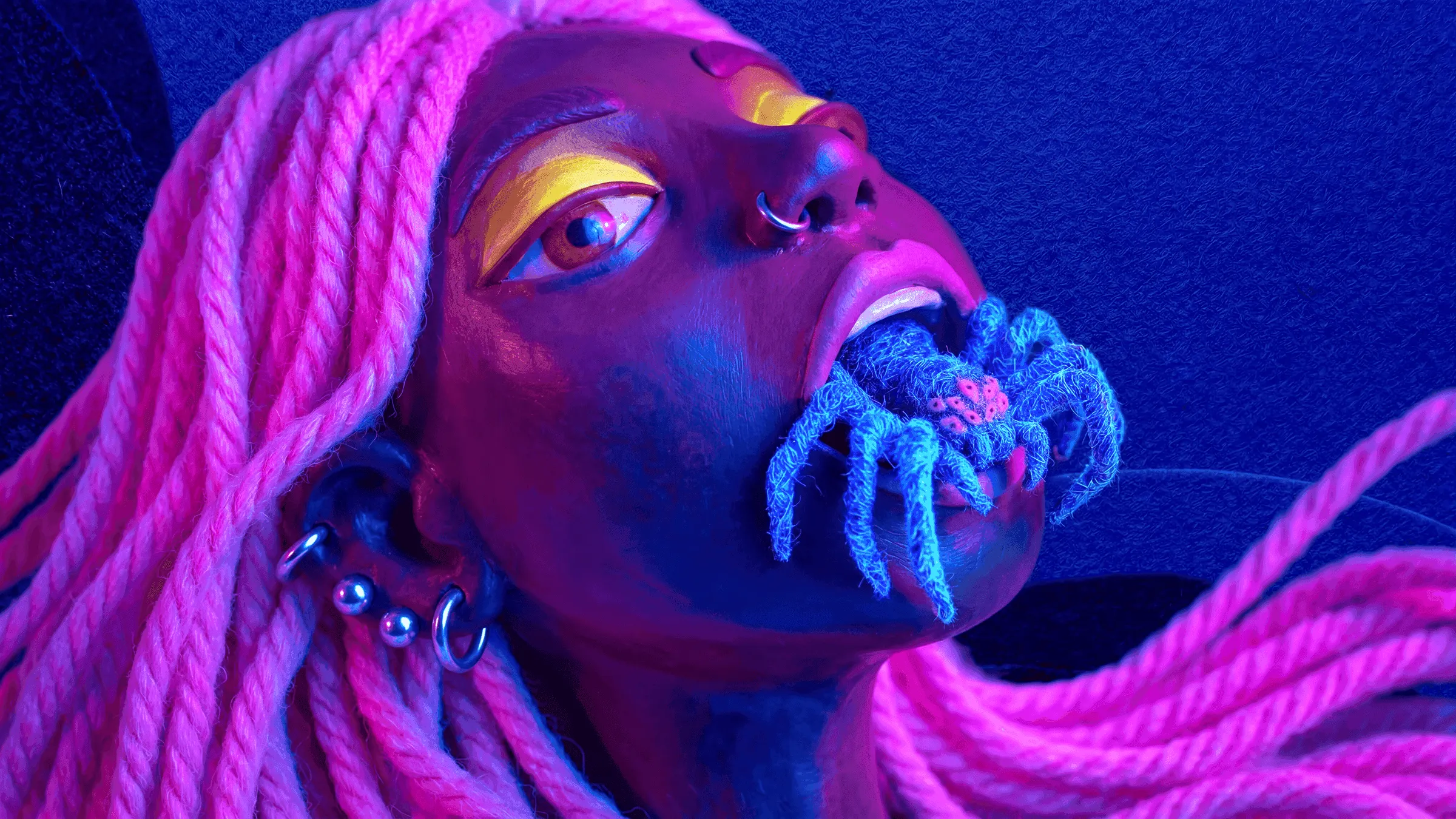
Texturing and shading is the 3D process of giving surfaces colour, pattern, and material properties (roughness, metalness, transparency) that define how they react to light.
Together, they define the look of the object. High-quality texturing and shading add the tactile detail that makes computer graphics believable, feeding directly into the look development stage.
Related
Related concepts
Related services
Frequently asked questions
What's the difference between texturing and shading?
Texturing is painting the surface: colour, pattern, dirt, scratches. Shading is defining how the surface reacts to light: rough or shiny, metal or wood, transparent or solid. Texturing is the painted information; shading is the physical behaviour. The two are produced together in tools like Substance Painter, Mari, or in-engine material editors.
Where does texturing fit in the 3D pipeline?
After modelling, before lighting and rendering. The model has to be UV-unwrapped (a flat map of its surface) before texturing starts. Once the textures and shaders are approved in LookDev, the asset is ready to be lit and rendered in production. Changing texturing late in the pipeline is rare and expensive.
How is AI changing texturing?
AI material generators can produce believable PBR materials (wood, metal, fabric, stone) from a text prompt or a single photo, in seconds. Texture upscalers add detail to low-resolution sources. Inside our look development with AI workflow these tools are useful for the initial library and for fast iteration; final hero materials still get a human polish pass.
Sources (3)
Academic papers, recognised industry standards, and canonical industry texts that back up claims in this entry.
- Physically Based Rendering: From Theory to Implementation. Pharr, M., Jakob, W., Humphreys, G., MIT Press, 2023Supports: Canonical reference on physically based rendering
- Computer Animation: Algorithms and Techniques. Parent, R., Morgan Kaufmann (Elsevier), 2012Supports: Standard textbook on computer animation algorithms
- An Artist Friendly Hair Shading System. Chiang, M. J.-Y., Bitterli, B., Tappan, C., Burley, B., Disney Research / ACM SIGGRAPH, 2016Supports: Production-grade physically based shading model used in feature animation